Skip to content
Automation parts, worldwide supply
Skip to product information
1 of 3

SKU:T9110

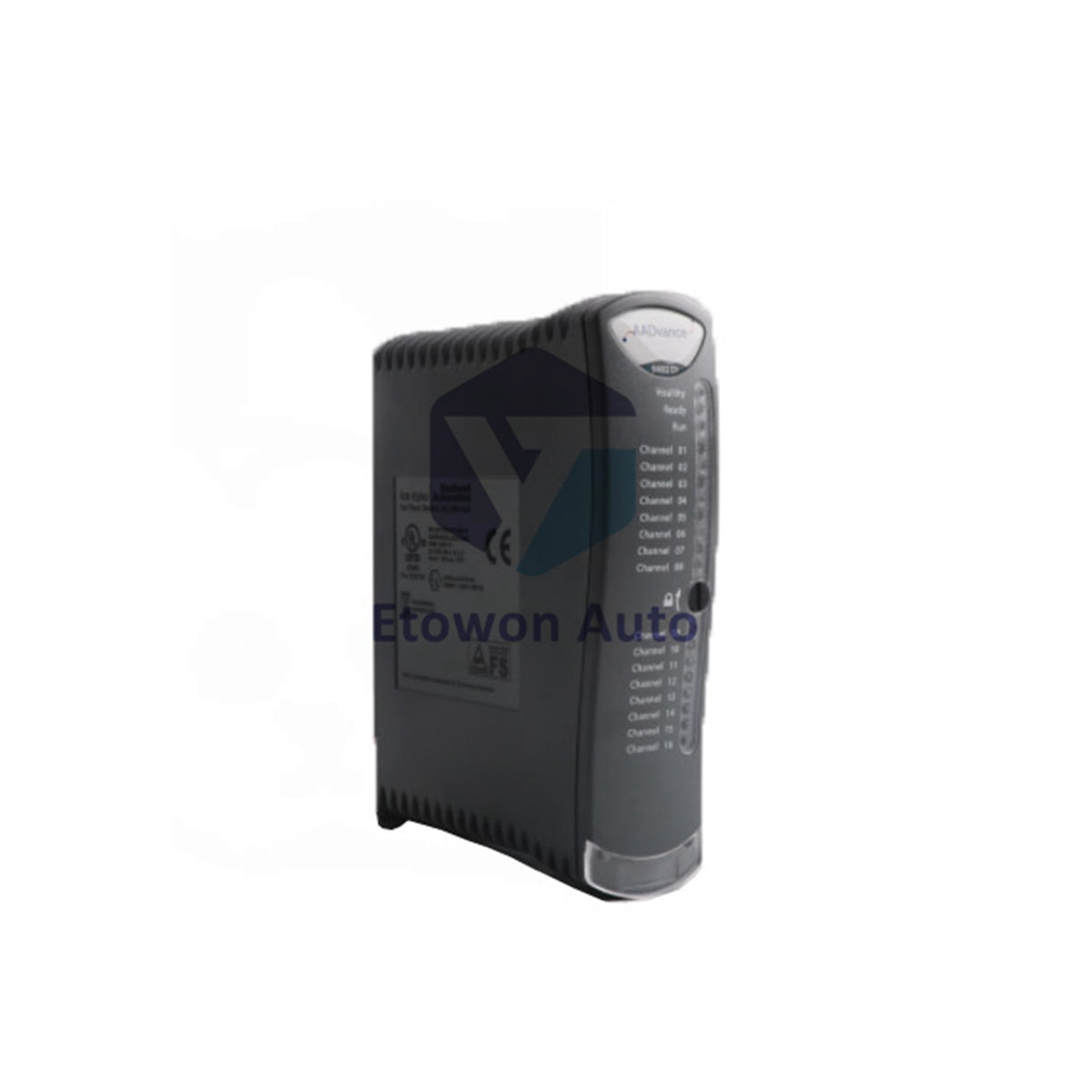
ICS Triplex T9110 Processor Module TMR Controller

Only 5 units left
  • Manufacturer: ICS Triplex

  • Product No.: T9110

  • Product Type: Processor Module

  • Product Origin: USA

  • Payment:T/T, Western Union

  • Weight: 430g

  • Shipping port: Xiamen

  • Warranty: 12 months

30-Day Return Policy · 12-Month Warranty
  • Fast Delivery
  • 24/7 Support
  • Quality Assurance

Description

Product Overview

The ICS Triplex T9110 is the processor module for the Trusted TMR controller chassis. It executes the safety application with full triple-modular redundancy, ensuring fail‑safe operation for SIL 3 systems. Comprehensive status indicators (Ready, Run, System Healthy, Force, Aux, Serial, Ethernet, Healthy) provide real‑time diagnostics. The T9110 supports recovery mode, application loading, and synchronisation with partner modules in multi‑processor configurations.

Core Advantages

Full TMR Architecture

Triplicated processing with 2‑out‑of‑3 voting. The module must be educated and synchronised with its partners before entering operational Run state. Firmware builds must match across all processor modules in the chassis.

Comprehensive Status Monitoring

Eight LED indicators provide granular diagnostics: Ready (boot/education/sync), Run (application active), System Healthy (fault detection), Force (variable lock/force), Aux (application control), Serial 1/2 (communication activity), Ethernet 1/2 (link/activity), and Healthy (module health).

Recovery & Shutdown States

The module supports Recovery Mode for firmware updates and troubleshooting. Shutdown state is indicated by Healthy GREEN with Ready and Run both RED.

Specifications

Parameter Value
Supply Voltage 18–32 Vdc
Maximum Current 380 mA
Power Consumption 8.0 W
Heat Dissipation 8.0 W (27.3 BTU/hr)
Architecture TMR (triplicated)
Mounting T9100 processor base unit with coding pegs
Back‑up Battery BR2032 lithium coin (T9905)
Battery Voltage / Capacity 3 V / 190 mAh
RTC Setting Manual via Dictionary variables
Operating Temperature 60 °C max
Certifications ATEX, IECEx, HazLoc, Ordinary Location
Weight 430 g

Installation Tips

Pre‑Installation Checks

Examine the module for damage before insertion. Record the label details (location and firmware build) as they will be hidden after installation. Ensure all processor modules in the chassis share the identical firmware build.

Mounting Procedure

Align the coding pegs on the T9100 base unit with the sockets on the module rear. Place the module onto the pegs, ensure the locking screw slot is vertical, and push fully home. Turn the locking screw clockwise with a 9mm flat blade screwdriver to secure.

Battery Replacement

Use official Rockwell Automation T9905 or equivalent BR2032 lithium coin battery (Panasonic recommended). Nominal 3 V, 190 mAh, operating -30 °C to +80 °C.

RTC Manual Setting

For single‑controller systems without a time server, set the real‑time clock using RTC Control variables in the Dictionary (RTC_Read, RTC_Write, Year, Month, Day, Hours, Minutes, Seconds, Milliseconds).

Why Choose T9110?

Delivers trusted TMR processing in a compact 430 g package. The extensive LED status suite enables rapid fault diagnosis without external tools. Supports recovery mode for safe firmware updates and troubleshooting. The manual RTC setting provides flexibility for standalone installations. Rated for 60 °C ambient operation and certified for hazardous areas, the T9110 is the core of ICS Triplex Trusted safety systems worldwide.

FAQs

Q1: What does Healthy GREEN with Ready and Run both RED indicate?
A1: This indicates the module is in the shutdown state. The application has stopped, and the module is not executing safety logic. Check for faults or recovery mode activation.

Q2: Why must all processor modules have the same firmware build?
A2: TMR operation requires identical firmware across all three processor modules to ensure synchronised execution and consistent voting behaviour. Mismatched builds will prevent education and synchronisation.

Q3: How do I set the real‑time clock manually?
A3: Use the RTC Control variables in the Dictionary. Set RTC_Write to TRUE, then populate Year, Month, Day of Month, Hours, Minutes, Seconds, and Milliseconds with the desired values. The module updates the RTC accordingly.

Scalar (V/f)

Vector

AC-powered

  • Confirm the exact model, part number, and specifications before ordering.
  • Ensure compatibility with your current machinery or control systems.
  • Reach out via sale@etowonauto.com or +8617859788089 for technical assistance.
  • Review delivery options, lead times, and shipping requirements.
  • Follow manufacturer instructions and best practices during installation.

In-stock items are typically dispatched the same business day. For products not currently in stock, dispatch times may vary based on availability. International shipping is available, and shipping costs are calculated according to destination, weight, and carrier selection.

Returns are accepted within 30 days of receipt, provided items are unused and in original condition. Return shipping costs are the responsibility of the customer. Please contact us before returning any item to receive return authorization.

For more details, please review our Shipping & Return Policy.

View Product Details

ENSURE RELIABLE MACHINERY PERFORMANCE

Transform your home with the latest multi-electronics solutions, from intelligent lighting to vOptimize your operations with the Bently Nevada 3500 Monitoring System, offering real-time vibration and machinery condition monitoring to prevent failures and maximize uptime.oice-controlled devices all designed to make life easier, safer, and more connected.