Tsallake zuwa abun ciki
Kayan aikin sarrafa kansu, isarwa a ko’ina cikin duniya
Tsallaka zuwa bayanin kaya
1 na 3

SKU:T8312

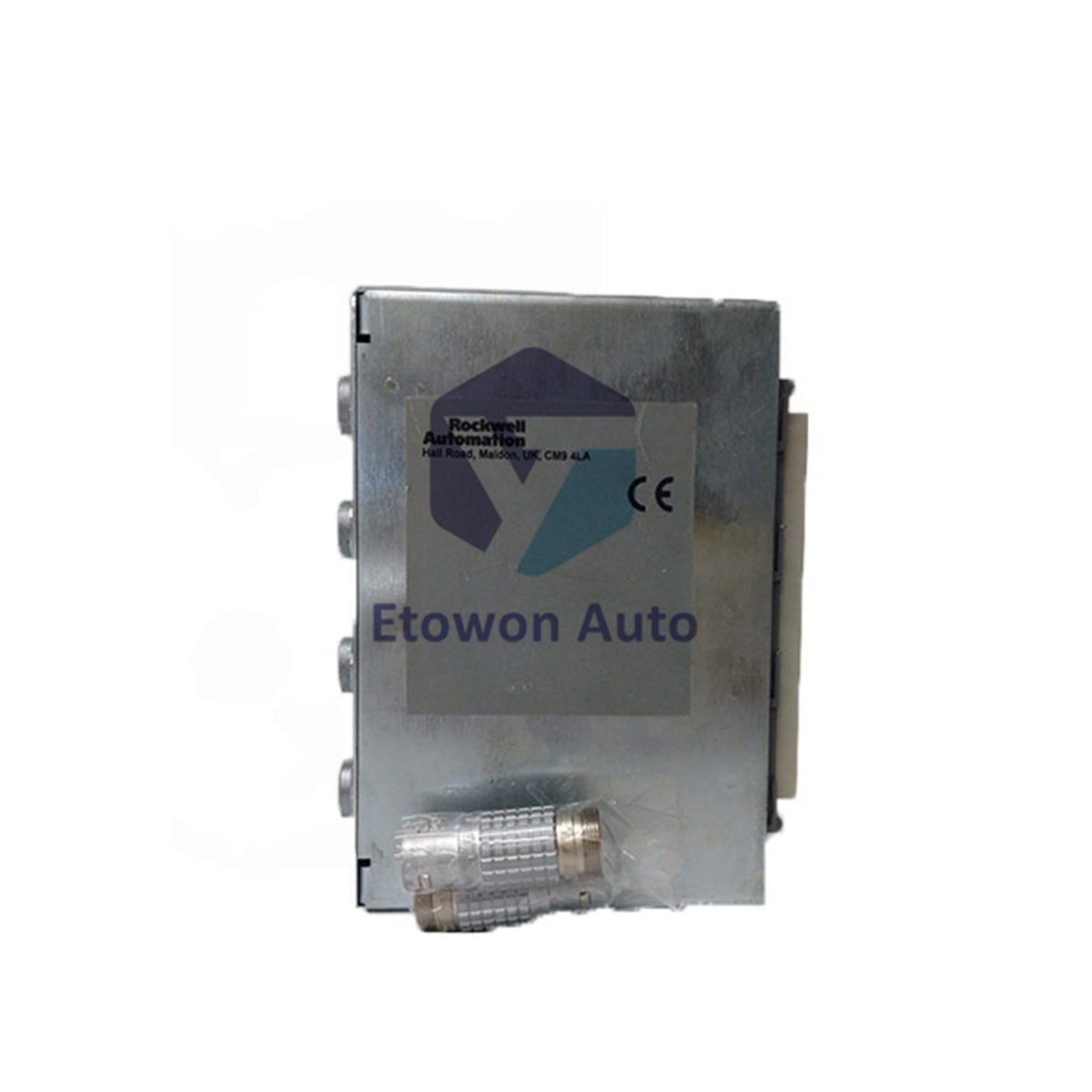
ICS Triplex T8312 | DIP-Switch Configurable Expander

A kan haja (12 guda), a shirye don aikawa
  • Manufacturer: ICS Triplex

  • Product No.: T8312

  • Product Type: Interface Module

  • Product Origin: USA

  • Payment:T/T, Western Union

  • Weight: 650g

  • Shipping port: Xiamen

  • Warranty: 12 months

Dokar Mayar da Kaya na Kwanaki 30 · Garantin Watanni 12
  • Isarwa Cikin Gaggawa
  • Tallafi na awa 24 a rana, kwana 7 a mako
  • Tabbacin Inganci

Bayani

Product Overview

The ICS Triplex T8312 Expander Interface Adapter bridges the Trusted TMR controller chassis to remote expansion chassis. It enables seamless communication between the processor and distributed I/O racks, supporting system scalability across large process facilities. This adapter maintains full TMR integrity while extending the I/O footprint.

Configuration Options

The T8312 is available in two variants. The T8312/4 supports up to four expansion chassis, while the T8312/7 accommodates up to seven. Each adapter connects expander interface modules in the controller chassis to processor interface modules in remote expansion racks. For systems requiring more than seven expansion chassis, deploy an additional adapter with expanded chassis IDs.

Technical Specifications

Parameter Value
Model T8312
Description Expander Interface Adapter
Supply Ratings N/A (passive adapter)
T8312/4 Max Expansion 4 chassis
T8312/7 Max Expansion 7 chassis
Weight 0.65 kg (1.43 lbs)
Certification Ordinary / HazLoc / ATEX / IECEx

DIP Switch Setup

Configure the DIP switches to assign chassis IDs. Set the controller chassis to ID #1. For the first expansion set, assign expander chassis IDs from 2 through 8. When adding a second adapter for additional expansion racks, set its expander chassis IDs also from 2 to 8, then map them as IDs 9 to 15 within the system software. This addressing scheme ensures clear identification of each expansion chassis in the Trusted TMR architecture.

Installation Guide

Mount the T8312 in the controller chassis adjacent to the processor module. Secure the adapter with the provided retaining screws. Connect the expander interface cables to the front-panel ports, ensuring proper locking. Verify DIP switch settings before power-up. After installation, configure the expander chassis mapping in the Trusted system software to enable communication with remote I/O racks.

Engineering Advantages

The T8312 delivers scalable expansion capacity with two variants to match system requirements. Its passive design requires no external power supply, simplifying installation. ATEX and IECEx certifications qualify the adapter for deployment in hazardous locations. The flexible DIP switch addressing supports complex multi-chassis architectures while maintaining clear identification for maintenance and troubleshooting.

Technical FAQs

Q1: Can I mix T8312/4 and T8312/7 adapters in one system?
A1: Yes. Each adapter connects to a separate set of expansion chassis. Assign unique chassis ID ranges and configure them in the system software accordingly.

Q2: How do I set IDs for a second adapter's expansion chassis?
A2: Set the physical DIP switches from 2 to 8, then map these as IDs 9 to 15 in the software configuration tool. The controller chassis remains ID #1.

Q3: Does the T8312 require configuration software?
A3: Yes. After DIP switch settings are applied, configure the expansion chassis mapping within the Trusted system software to enable proper communication.

Sikeli (V/f)

Vector

mai amfani da wutar AC

  • Tabbatar da ainihin samfurin, lambar ɓangare, da ƙayyadaddun bayanai kafin yin oda.
  • Tabbatar da jituwa da injin ko tsarin kula da kake amfani da su a yanzu.
  • Tuntuɓe mu ta sale@etowonauto.com ko +8617859788089 don taimakon fasaha.
  • Duba zaɓuɓɓukan isarwa, lokacin jagora, da buƙatun jigilar kaya.
  • Bi umarnin masana’anta da mafi kyawun hanyoyin aiki yayin girkawa.

Kayayyakin da ke cikin sito yawanci ana tura su a cikin wannan ranar aikin. Ga kayayyakin da ba sa cikin sito a yanzu, lokacin tura su na iya bambanta bisa ga samuwa. Ana ba da jigilar kaya zuwa ƙasashen waje, kuma ana ƙididdige kuɗin jigila bisa wurin da ake aikawa, nauyi, da kamfanin sufuri da aka zaɓa.

Ana karɓar mayar da kaya cikin kwanaki 30 bayan karɓa, muddin kayan ba a yi amfani da su ba kuma suna cikin yanayin da suka fito daga masana’anta. Kuɗin jigilar mayar da kaya nauyi ne a kan abokin ciniki. Da fatan za a tuntube mu kafin ku mayar da duk wani kaya domin samun izinin mayarwa.

Don ƙarin bayani, don Allah ku duba Manufar Jigila & Mayar da Kaya.

Duba bayanin samfur

TABBTAR DA INGANTACCEN AIKIN NA'URORI

Canza gidanka da sabbin hanyoyin na’urorin lantarki masu yawa, daga hasken wuta mai hankali zuwa inganta ayyukanka da Bently Nevada 3500 Monitoring System, wanda ke ba da sa ido a ainihin lokaci kan girgiza da yanayin na’urorin injina don hana gazawa da ƙara lokacin aiki, da na’urorin da ake sarrafa su da murya duk an ƙera su ne don sauƙaƙa rayuwa, ƙara tsaro, da ƙarfafa haɗin kai.